Ordering food in Yenagoa used to mean a phone call, a repeated address and a long wait to find out whether the restaurant had heard you properly. Plenty of people still do it that way, and it works. But more of us now choose from a menu on a phone, pay in the app and watch the order come to us.
This guide explains how that works with TripChow, and what will make your first order go smoothly. It is written for people in Yenagoa, so it talks about addresses, payments and the practical bits that a generic "how to order food online" article skips.
What "food delivery in Yenagoa" actually means
At its simplest: a restaurant cooks, and someone brings the meal to you. What changes with an app is everything around that. You can see menus before you decide. You send your order in writing, so nothing is misheard. You pay without counting change at the gate. And you can follow the order rather than guess where it is.
TripChow is a marketplace. The restaurants are independent businesses that list their menus on the app; TripChow handles the ordering, the payment and the delivery side. That is worth knowing, because the food itself, its portion size and its preparation time belong to the restaurant, and the delivery belongs to TripChow. When you want to say something about either, the app lets you rate them.
Delivery is done by TripChow riders.
How to order, step by step
- Get the app. TripChow is on Android and iPhone.
- Create an account or sign in with your phone number. Use a number you will answer, because a rider or a restaurant may need to call you.
- Set your delivery address (more on this below; it matters more than anything else on this list).
- Browse or search. You can search by dish, by restaurant or by category. The home screen shows restaurants near you and what is trending.
- Choose a restaurant and read the menu. Check the photos, the description of each item and any options (protein, extra swallow, spice level).
- Add to your cart and check quantities.
- Apply any offer you hold.
- Pay. See the payments section below.
- Follow the order. You will see it move from Confirmed to Preparing to Out For Delivery, and then Delivered.
- Receive it, check it, rate it.
The whole thing takes a few minutes the first time and less after that; the app remembers your addresses and lets you reorder something you have ordered before.
Orders in Yenagoa close at 8 pm, and deliveries are fulfilled until 9 pm. The evening ordering guide explains how to plan around that.
Choosing a restaurant when you do not know the place
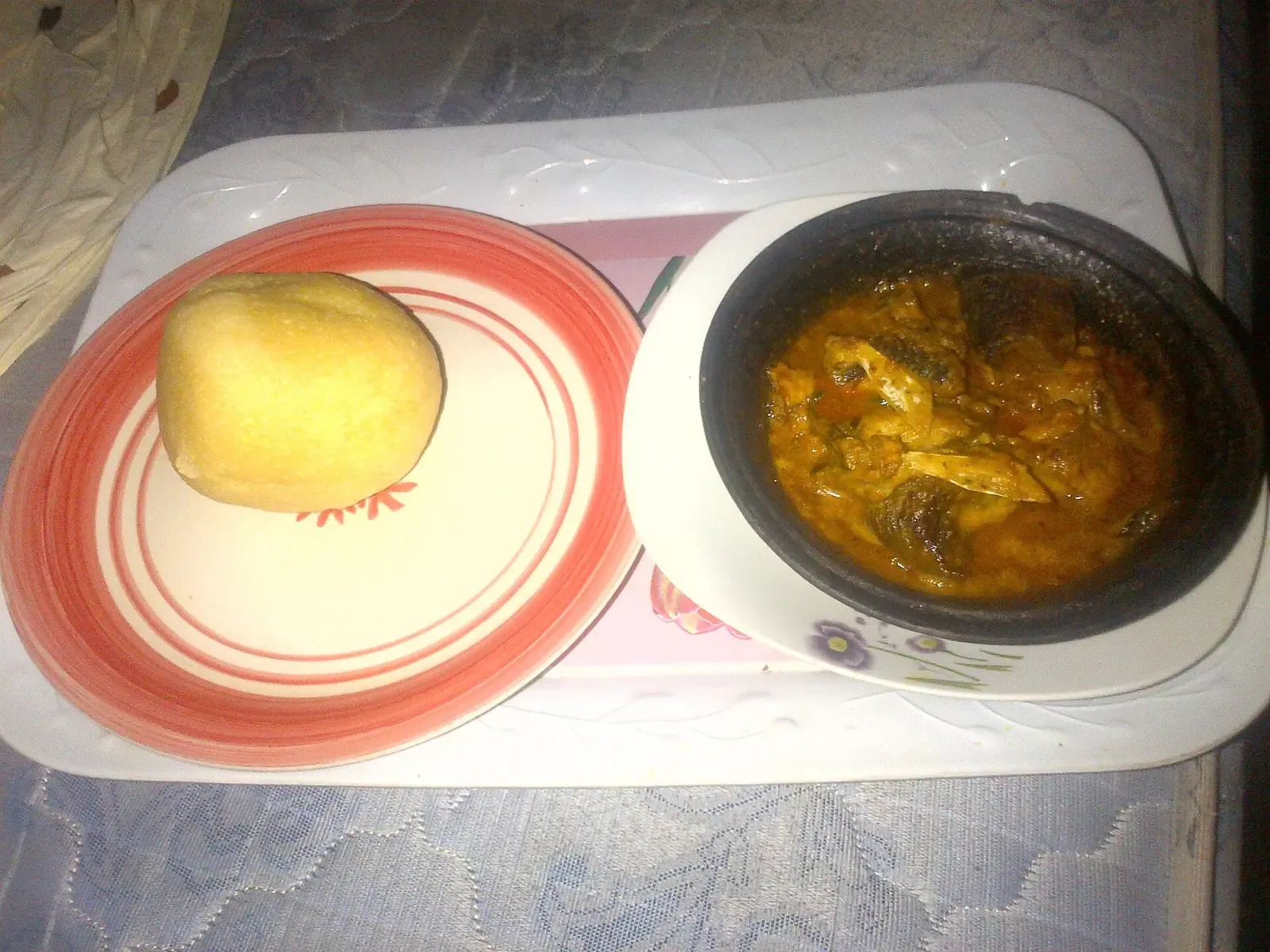
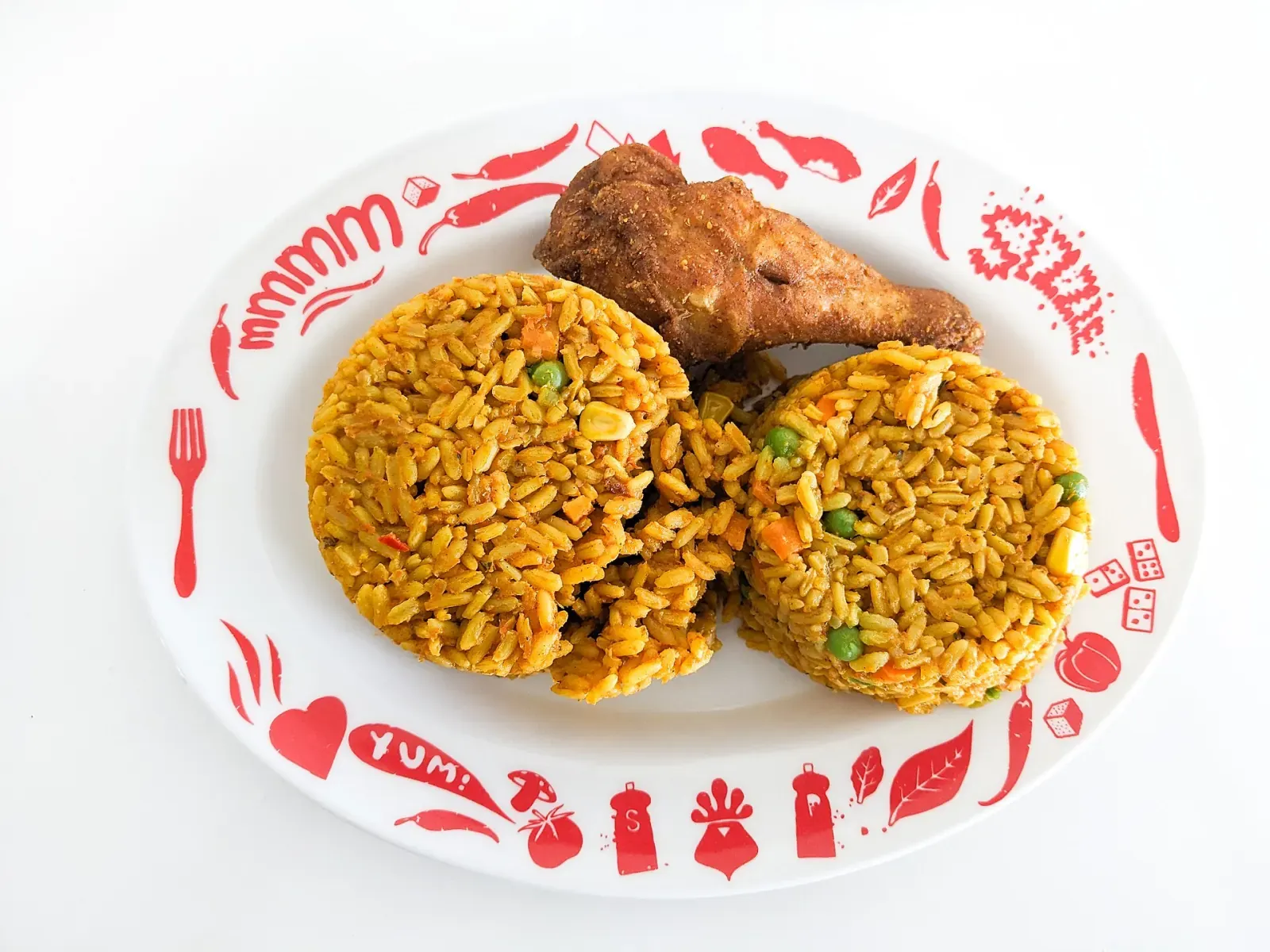
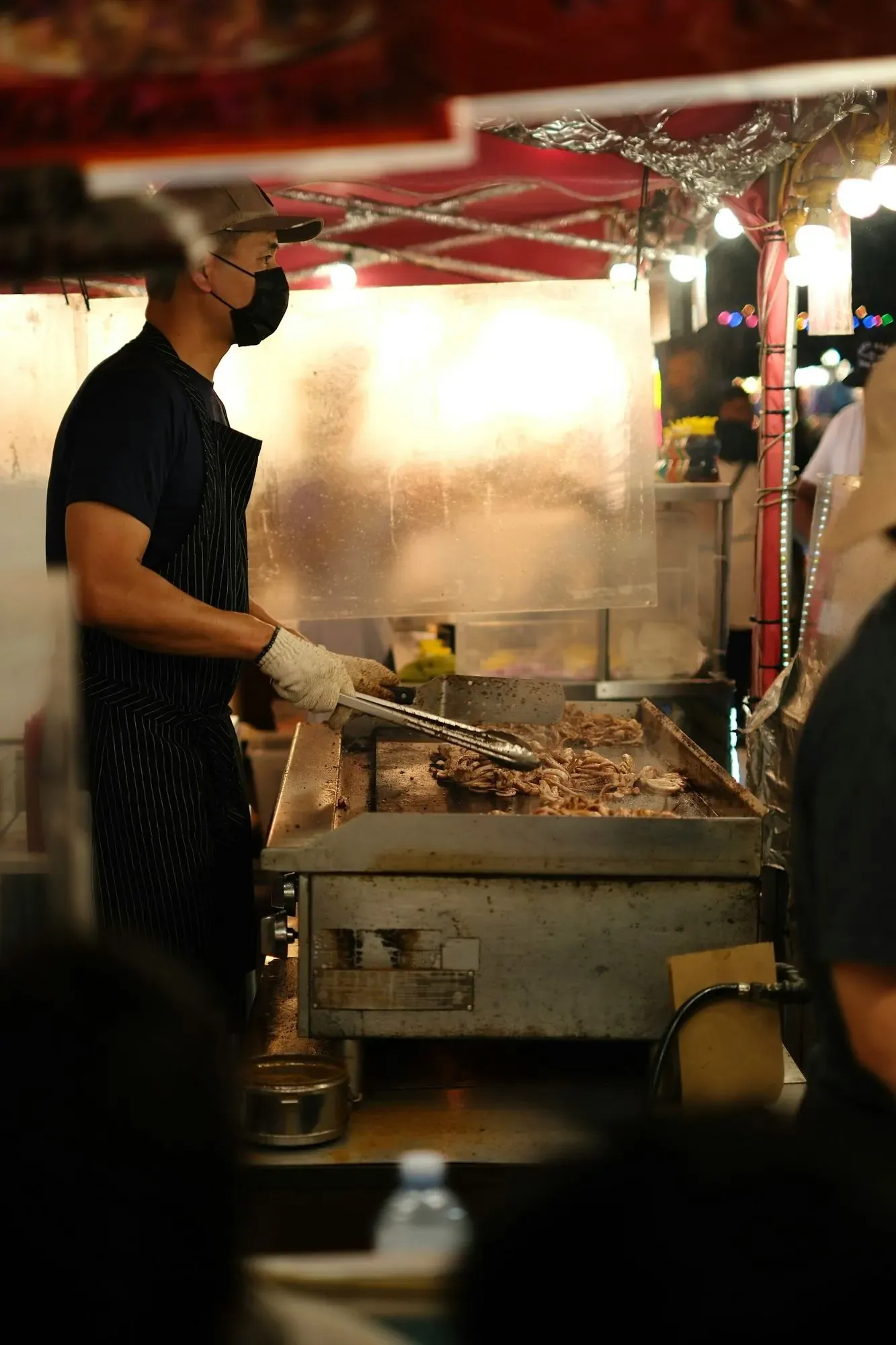
Yenagoa has a wide spread of food: Nigerian everyday plates, local Niger Delta cooking, fast food, grills, shawarma, pizza and desserts. Vendors in the city list everything from jollof rice, fried rice and swallow combinations to egusi, afang, ogbono, okro and banga soups, so the real question is usually not "what exists" but "where do I begin". TripChow lists 41 restaurants in Yenagoa.
A few things to look at, in this order:
- Is it open now? Restaurants set their own hours. The listing shows whether a place is open. There is no point falling in love with a menu that closes in ten minutes.
- What do other customers say? Ratings in the app come from people who ordered. A rating from a handful of orders means less than one from many; check the count as well as the number. Among the highest rated restaurants in Yenagoa are Blozzom Bistro, Lady JP's Restaurant and Mama Amara Fruit Shop.
- Do the menu items look real? Restaurants that photograph their own food and describe portions are easier to order from. If a description is vague, choose something you have eaten before.
- What is it good at? A place known for grilled fish is not necessarily the place for your pizza. Order what the restaurant is known for on a first try.
- Is the delivery fee shown before you pay? It is: the cart lists the delivery charge before you pay. In Yenagoa the delivery fee is currently ₦1,000 to ₦2,500 by distance.
If you want something specific and local, the guide to Bayelsa and Niger Delta dishes explains what dishes like banga soup with starch or fisherman soup are, so you can order with confidence.
The delivery address: where most problems begin
Address problems cause a lot of avoidable delivery trouble in any city, and Yenagoa is no different. Several communities sit close together (Ekeki, Opolo, Amarata, Azikoro, Okaka and many more are separate communities in the local government area), and a compound with no number is hard to find for someone who does not live there.
To make it easy:
- Drop your location pin as well as typing the address. The rider sees both.
- Add a landmark in the notes: a junction, a shop, a church, a school gate, a filling station. "Second gate after the pharmacy, blue fence" beats a house number nobody can see.
- Say how to get in: gate colour, which building, which floor, whether a security guard will call you.
- Keep your phone on and answer unknown numbers for the next half hour.
- Save the address in the app once it works, so the next order needs no explaining.
Not every part of Yenagoa may be within TripChow's delivery range. Check that your area is covered before you build a cart: when you save an address, the app tells you whether TripChow delivers there, and asks you to choose a different address if it does not.
Paying for your order
People in Nigeria use a mix of payment methods when they buy online: bank transfer, debit card and cash on delivery are all common. TripChow's App Store listing confirms bank transfers are supported. In the app, you pay from your TripChow wallet. You add money to it by transfer to the account details the app shows you, and the wallet screen may offer other top-up options.
Practical points:
- Pay inside the app where you can. That way the payment and the order are linked, and there is a record if something goes wrong.
- Do not pay to a personal account because someone messaged you on WhatsApp or Instagram claiming to be "TripChow". Real payments go through the app or the checkout page.
- Keep your receipt until the order arrives. If you are charged and the order fails, support needs the reference.
- If you pay by transfer, use the account details the app shows, and pay the exact amount.
There is a longer guide to the same subject: how to order food online in Nigeria safely.
Tracking, waiting and being reasonable about time
Once the order is accepted, the app shows where it is. Delivery time depends on the restaurant's kitchen, the distance, the weather and the road. It is honest to say that a busy lunch hour or a heavy rain will slow things. The app shows an estimated time on the restaurant listing, and you can follow the order on the tracking screen once it is on its way.
Two habits help:
- Order a little early for meals you cannot be late for.
- Use the in-app contact if you are worried, rather than cancelling and reordering.
Ordering with other people
If you are ordering for a household, friends or a team, group ordering lets one person start a session, invite others, and let everyone pick their own meal and pay for it. It keeps the "who owes what" conversation out of your chat group. Our office lunch guide covers how to run one.
When something goes wrong
It will occasionally. A dish is missing, the wrong item arrives, the order is late, or you were charged for something that did not turn up. What to do:
- Do not throw anything away and take a photo of what arrived.
- Contact support from the app with your order number.
- Be specific about what is wrong. "The soup was cold and the fish was missing" is easier to resolve than "bad service".
- Rate the order honestly afterwards. Ratings are how good restaurants stand out and how poor ones hear about it.
Where to go next
If you are in Amassoma or at Niger Delta University, there is a separate page and a student guide. If you run a restaurant and want to be listed, start at the business page. And if you want to deliver food yourself, see becoming a rider.
Frequently asked questions
How do I order food in Yenagoa?
Open the TripChow app, set your delivery address, choose a restaurant, add items to your cart, pay and follow the order until it arrives. The full steps are in this guide.
Which areas of Yenagoa can I order to?
That depends on where TripChow currently delivers. The app tells you when you enter an address whether it is within range, so check before you fill your cart.
How can I pay?
You pay from your TripChow wallet, which you top up by bank transfer to the account details the app shows you. Pay inside the app or checkout page only, and never send money to a personal account because of a message.
What should I do if my order is late or wrong?
Contact support from the order screen with your order number and, if the item is wrong, a photo. Say exactly what happened.