Most restaurant owners in Yenagoa already know their food is good. The difficulty is that customers now decide what to eat on a phone screen, in the space of a minute, before they have tasted anything. On that screen your restaurant is a photo, a name, a rating and a few lines of text.
This guide is for owners and managers who want to get more from online ordering. It does not promise a jump in orders. Nobody can honestly promise that. What it does is show the parts you control: how you list, what you show, how you prepare an order for the road and how you use feedback.
First, what you need to apply
The partner application on the website asks for details you probably already have. Gather them before you start so you can finish in one sitting.
- Business information: the restaurant's name, a logo, a short description, the city, the address and, optionally, the map location, and your usual cooking time in minutes.
- Type of food: the form asks whether you serve vegetarian, non-vegetarian or both.
- Owner or representative details: name, phone number, email, a password for your partner account and a photo of a national identity document.
- Proof of address for the business.
- Working hours: the days and times you are open.
- Bank details for payments: account number, account name and bank.
- Agreement to the partner terms, which you should read in full before accepting.
After you apply, TripChow reviews your application, and your restaurant is listed once it is approved.
Your listing is your shop window
The name and description
Use the name customers already know, exactly as it appears on your signboard. In the description, say what you cook and what you are known for, in plain words a customer would use: "Grilled fish, pepper soup and Nigerian rice dishes", not "A culinary experience". Keep it short.
Photos
Photos of your own food, taken in daylight, sell better than any words. A few habits:
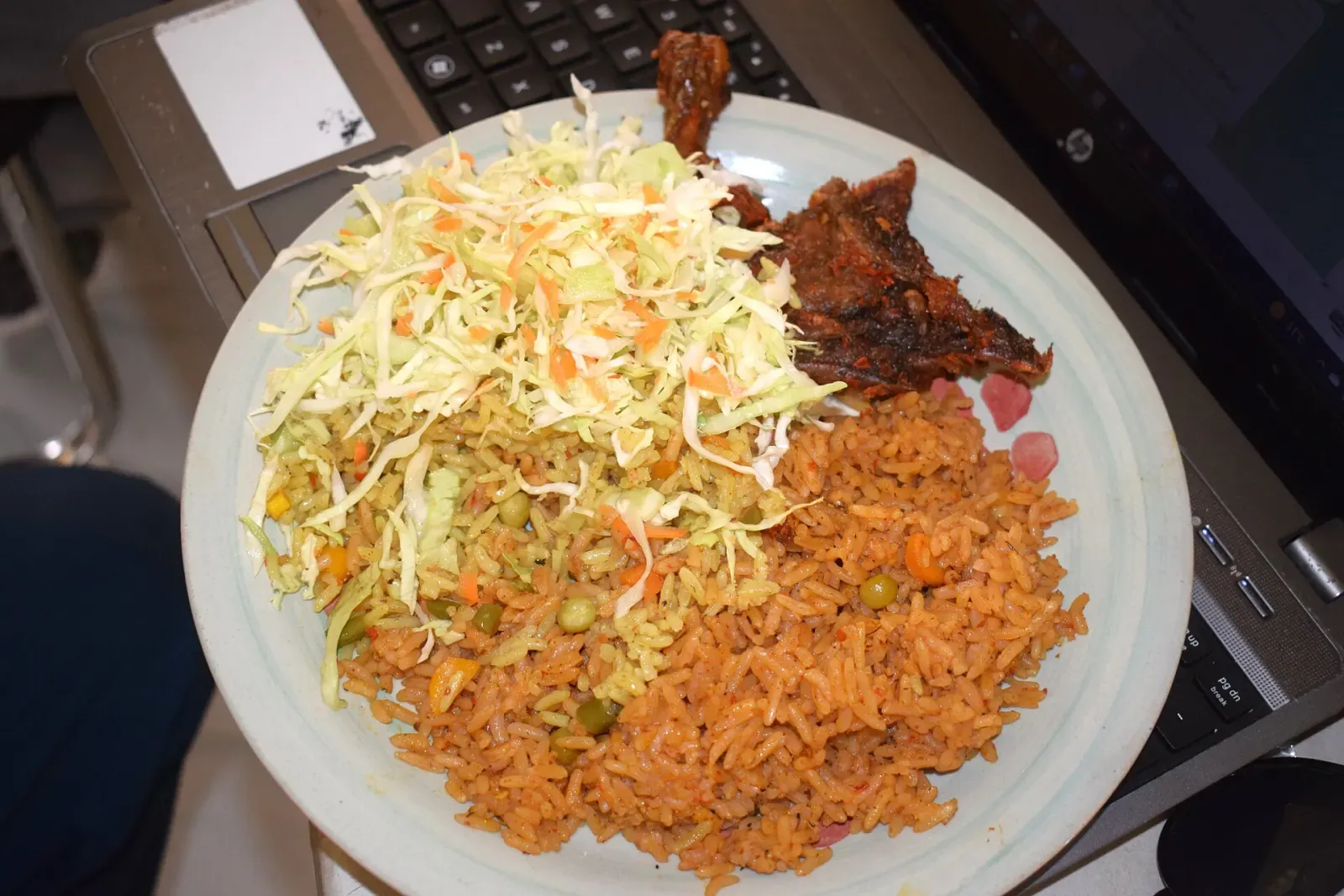
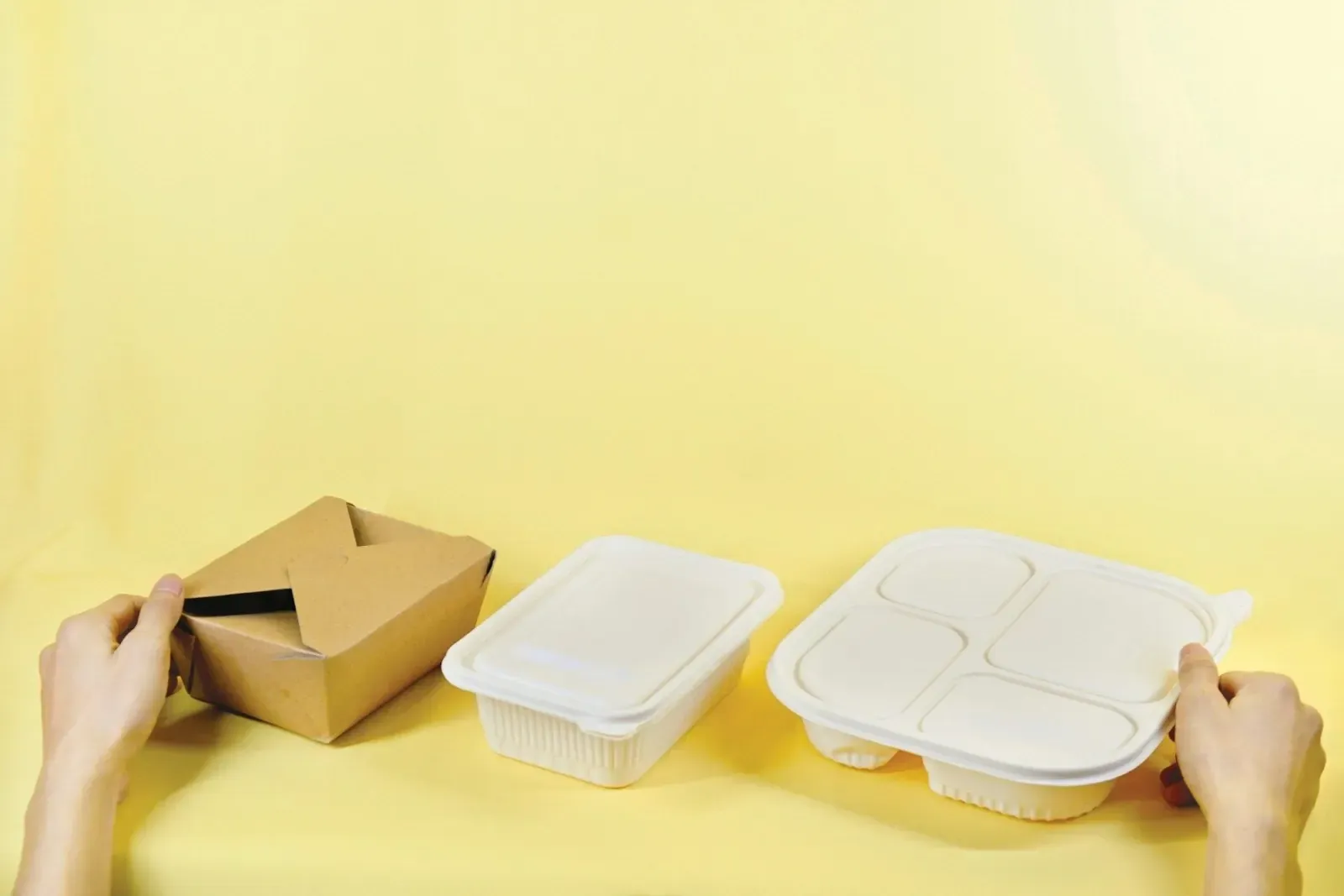
- Shoot the food in the pack it is delivered in, and again on a plate. Customers want to know what will arrive.
- One clear photo per popular dish. You do not need a photo of everything, but the top ten sellers should have one.
- Clean background, natural light, no filters that change the colour of the food.
- Do not use photos from the internet. If what arrives does not look like the picture, you will get a bad rating.
- Ask permission before photographing staff or customers.
The menu
This is where orders are won or lost.
- Name dishes the way customers search for them. "Jollof rice with chicken", "Banga soup with starch", "Fisherman soup with pounded yam", "Bòlé and fish". People search by dish. The local dishes guide has the names in common use.
- Say what is included. Does the soup come with a swallow? How many pieces of meat or fish? Portion size and what is in the pack are the biggest sources of disappointment.
- Set options. Protein choices, swallow choices, spice level and extras. In the partner portal a dish can have variants, each with its own price, and add-ons with their own prices.
- Keep prices accurate. If the price on the app differs from your counter price, customers notice.
- Remove what you cannot make today. A dish that is unavailable is worse than a dish that is not listed. Update availability when you run out: the partner app has an availability switch for each dish.
- Group items sensibly: rice dishes, soups, grills, snacks, drinks.
Hours and cooking time: accuracy beats ambition
Customers see your opening hours and your preparation time. If either is wrong, you will pay for it in cancellations and ratings.
- Set the hours you can really serve. If you close at ten but stop cooking at nine, list nine.
- Update hours for public holidays, power problems and staff shortages, and use the open and closed switch in the partner app to close temporarily.
- Be honest about preparation time. A dish that takes a long time to cook should not be listed as quick. The time customers see on your listing is based on the cooking time in your profile, so keep it honest.
- Do not accept more orders than your kitchen can handle. If your kitchen is overwhelmed, close the restaurant with the open and closed switch instead of letting food go cold.
The same discipline helps offline. If you run a Google Business Profile for your restaurant, keep the same hours there. Search engines and customers compare.
Packing food for the road
A delivered meal spends time in a bag on a rider's motorcycle. What survives depends on how it is packed.
- Use containers that seal and do not leak. Soups and stews need a firm lid.
- Pack sauces and pepper separately where you can, especially with fried or roasted items such as bòlé, so they do not go soft.
- Keep hot and cold apart, and pack drinks so they do not tip.
- Include the essentials: cutlery, napkins, water if you offer it.
- Label the bag with the order number and the customer's name where the app shows it, so the rider collects the right bag.
- Check the order against the ticket before it leaves the counter.
- Be ready when the rider arrives. A rider waiting at your counter is a rider not delivering, and customers see the delay in their tracking screen.
Respond to orders quickly
When an order arrives, accept it promptly, start the kitchen and update the status in the app as you go. The faster the handover, the fresher the food. If you cannot fulfil an order, say so early. A cancellation you make at once is better than a wait.
Use ratings as a free consultant
Customers rate what they receive.
- Read them weekly. Look for repeated themes: cold food, missing items, small portions.
- Fix the pattern, not the person. If people say the pepper sauce leaks, change the container.
- Do not argue with a rating. Fix the cause instead.
- Do not ask friends or staff to leave good ratings. It misleads customers, and on Google it breaks the review policy. Honest ratings from real customers are what make a listing believable.
Getting found
Being on TripChow means your restaurant can appear in the Yenagoa listing on the city page and in the app. To help customers find you:
- Complete everything: description, hours, address and photos.
- Give a clear category and menu names.
- Keep your ratings healthy by fixing the issues above.
- Tell your regular customers that they can order from you online.
- Keep your details the same everywhere: name, address and phone on your signboard, social pages and Google listing.
What not to expect
There is no trick that makes orders arrive overnight. Growth usually comes from many small improvements: better photos, honest hours, sealed packs, quick handovers and a rating that customers trust. Some restaurants will find online orders suit them, and some will not; you will learn by watching your own numbers.
If you are unsure, list a smaller menu of what you cook best and grow from there.
Where to go next
Read the business page for an overview, or apply at /business/join. If you want your restaurant to appear well for group orders, see the office lunch guide, which shows what organisers look for. If you are near Niger Delta University, the student guide explains how hostel orders work.
Frequently asked questions
How do I list my restaurant on TripChow?
Fill in the partner application at /business/join with your business details, owner information, working hours and bank details, and accept the partner terms. TripChow reviews your application before your restaurant is listed.
Do I need to pay to join?
No. Joining TripChow is free. Commission is agreed with each restaurant.
How do I get paid?
TripChow pays the next working day after the order. Payments are not made on weekends or public holidays, and this is subject to change.
What makes customers choose one restaurant over another?
Clear photos, an honest description, accurate hours, prices that match, food that arrives well packed, and ratings from real customers. None of these needs special skill; they need consistency.